 FieldCast
Start with the operation
Choose the job you need to do—planting, spraying, fertilizer application, tillage, or harvest. The weather factors that constrain a spray window can differ from the ones that constrain traffic or harvest.
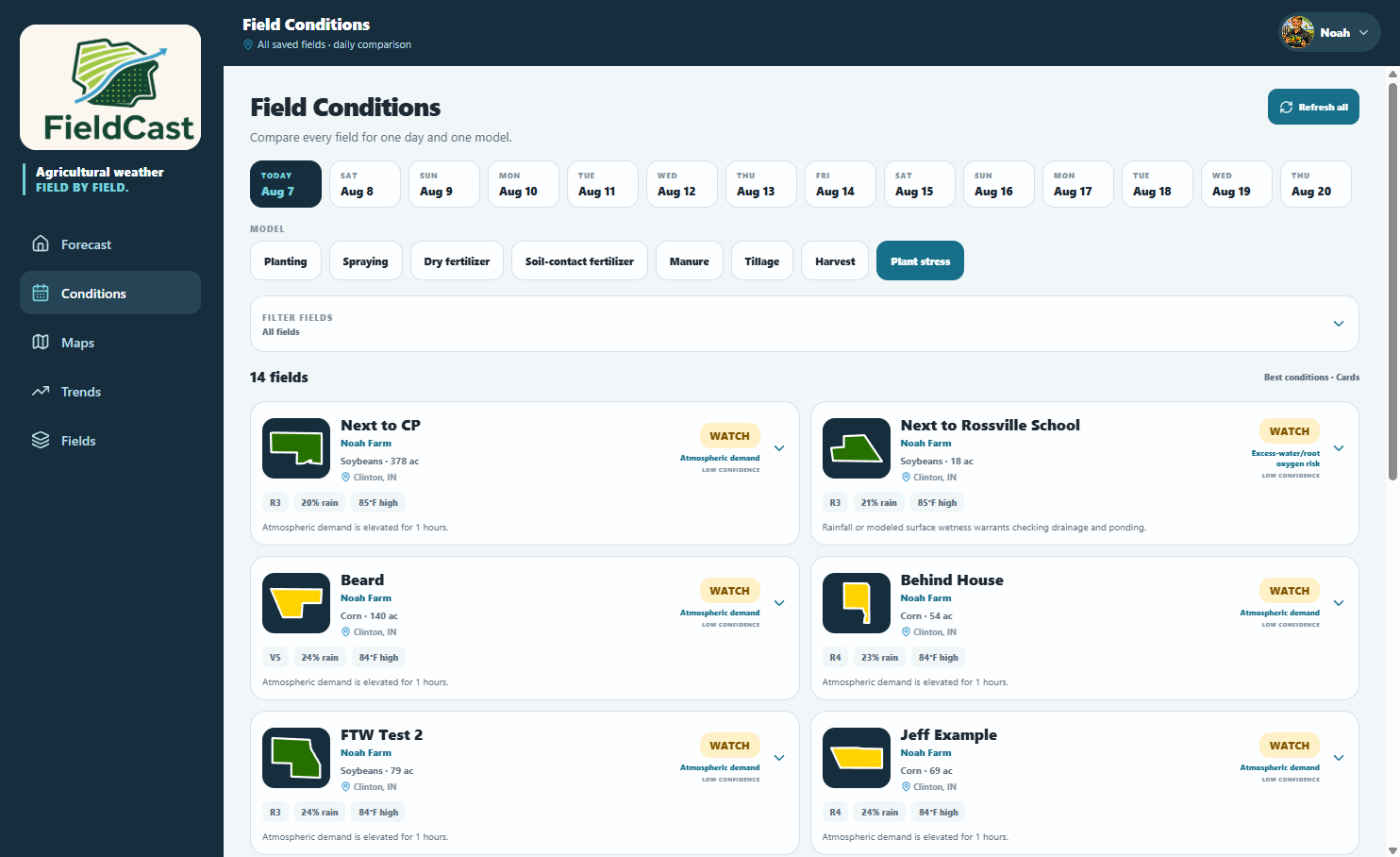
Compare the fields and the time window
Open FieldCast, select your saved fields, and compare the forecast and operating-condition views. Look at the timing of rain, wind, temperature, and the other available factors relevant to the job. A farm-wide comparison helps you decide which field to inspect first.
A practical comparison
If one field has a clearer forecast window than another, inspect the hours behind that difference. A favorable daily summary may still contain rain or wind during the hours you can actually work. Recheck the forecast close to the operation and confirm conditions in the field.
Keep the forecast in context
Soil trafficability, equipment, crop stage, and local observations matter. A forecast is guidance about future conditions; it does not measure every part of a field. For pesticide applications, use the applicable product label and current local conditions.